Beach restaurant: taking orders at the sunbed
Guests who order without leaving their spot, a team that no longer chases orders, and service delivered to the right place: how to organise sunbed ordering, from the QR code to payment.
On a private beach, service is nothing like a restaurant dining room. Guests are spread over several rows, sometimes far from the bar, and they do not want to leave their sunbed to order a drink. Sunbed ordering answers that need, as long as it is well organised.
Why sunbed ordering changes service
- Guests order when they feel like it, without waiting for a beach attendant or leaving their spot.
- The team no longer takes orders from memory or on a notepad: fewer mistakes and missed items.
- Beach attendants can focus on welcoming and seating guests, and on delivery.
The four steps of a well-run order
1. A QR code on every spot
The guest scans the QR code on their sunbed and the menu opens on their phone. Nothing to download: an app to install is the first barrier to ordering, especially for a day guest.
2. A menu as precise as in the dining room
Allergens shown, sides to choose, ingredients to remove, sizes and flavours: guests find the same options on their phone as at the table. A static PDF menu lets them choose nothing, and you cannot update a price or remove a sold-out item.
3. Every line to the right station
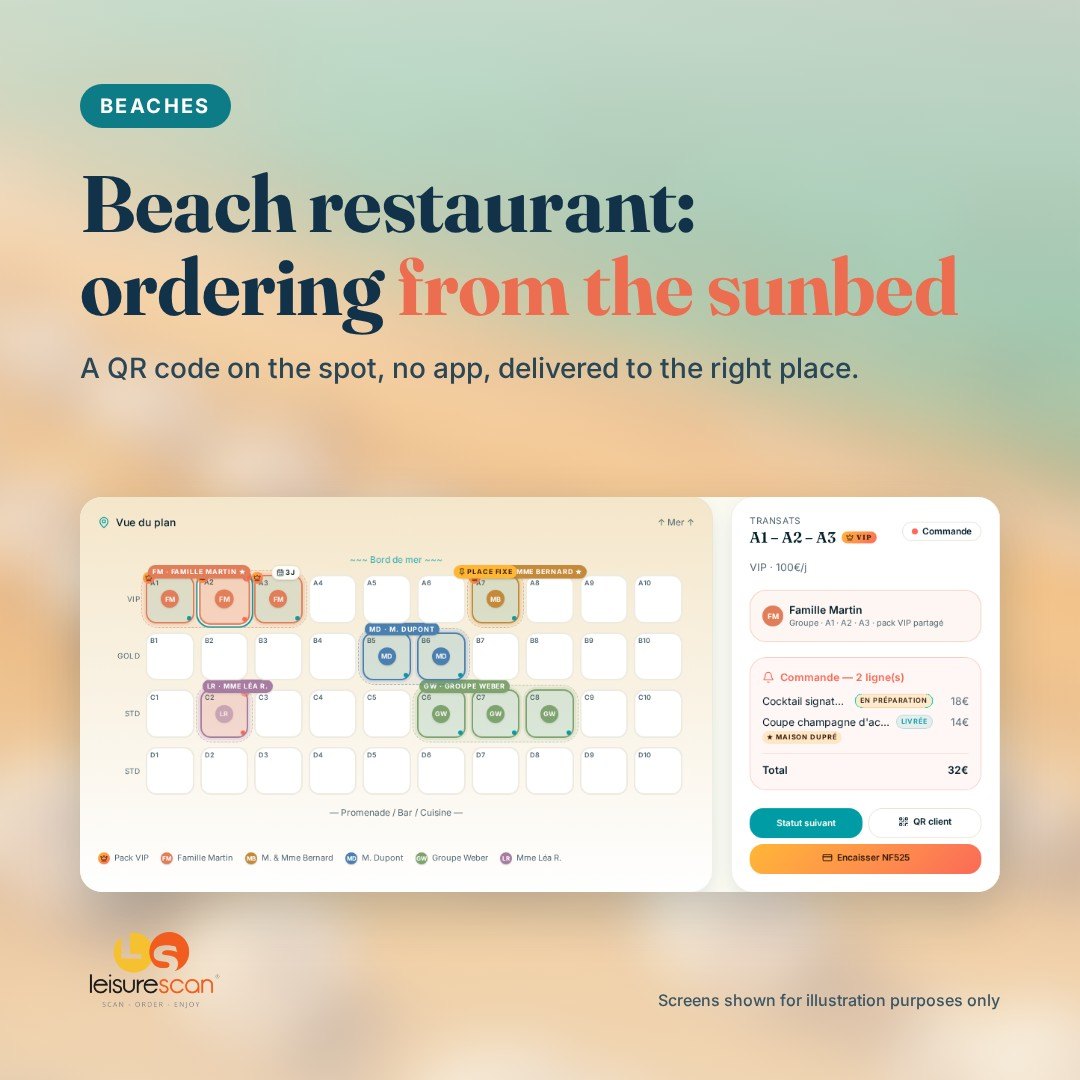
Drinks go to the bar, dishes to the kitchen, shop items to the shop. Each station sees on its screen what it has to prepare, and progress is shared with the guest and the beach attendant.
4. Delivered to the right spot
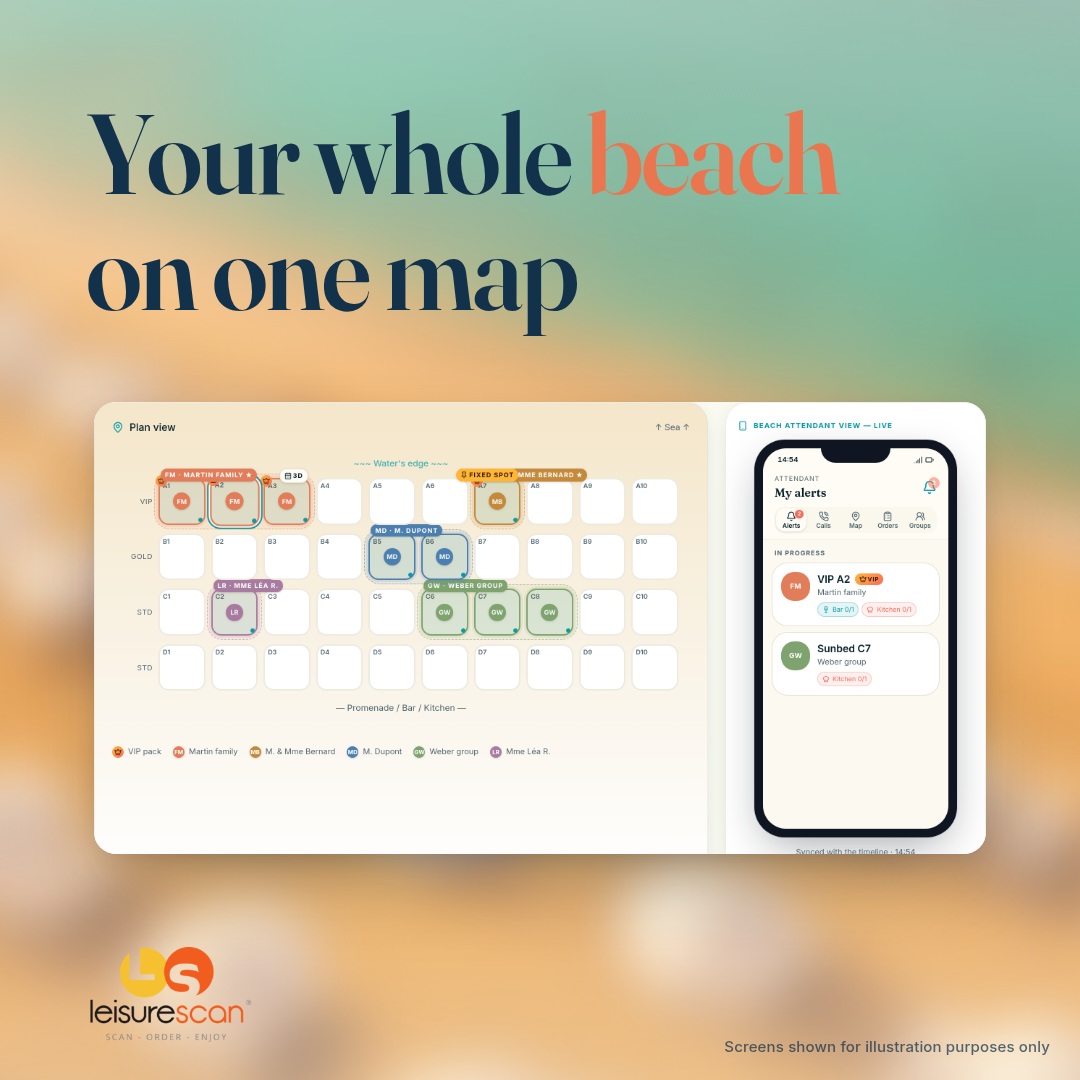
The order is linked to the spot: the beach attendant knows exactly where to deliver, even on a beach with many rows.
What about payment?
Two set-ups are possible, and you choose:
- guests pay from their phone, by card, Apple Pay or Google Pay;
- the team takes payment on a card terminal, at the sunbed or at the counter.
The bill can be split between several people, and each one receives a receipt by email. In a hotel, the order can also be charged to the guest's stay account and settled at check-out.
When the network drops
A beach is not a dining room: Wi-Fi or 4G can be weak at peak times. With the LeisureScan Expert plan, orders taken by the team are kept on the device and sent as soon as the network returns, with no duplicates.
Mistakes to avoid
- Forcing guests to download an app.
- Showing a static menu, with no options or up-to-date prices.
- Sending every order to a single screen, whatever the station.
- Using QR codes that are not linked to a specific spot: nobody knows where to deliver.
- Taking payment outside the till: double entry and gaps at the end of the day.
Start simple
There is no need to launch everything on day one. Many venues start with drinks on one area, then extend to food and the whole beach. With LeisureScan, the map, orders, bar and kitchen stations and the till are in the same tool: what is ordered at the sunbed is prepared, delivered and paid for without re-entering anything.
Discover the feature
Private beaches
Social media
Follow LeisureScan
New features, operating tips and behind the scenes at the beaches and hotels that trust us.